
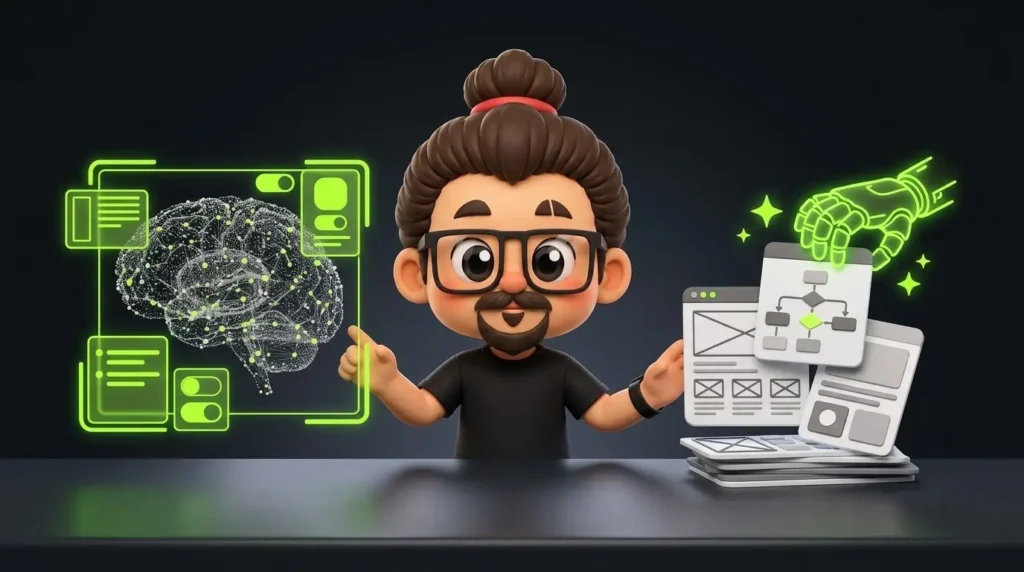
UX in AI vs. AI in UX:
Understanding the Difference Every Product Designer Should Know
Instruction
Artificial intelligence is changing how digital products are designed and how designers approach their work. From intelligent assistants and personalised recommendations to AI-powered research tools, its influence is becoming increasingly visible across the product design industry.
However, two concepts are often confused: UX in AI and AI in UX.
Although they sound similar, they represent two different disciplines. UX in AI focuses on designing user experiences for AI-powered products, while AI in UX focuses on using artificial intelligence to improve the design process.
Understanding this distinction is important for modern product designers. One helps us create better experiences around intelligent systems, while the other helps us work more efficiently and explore solutions faster.
Let’s understand how these two approaches differ, where they overlap and why product designers should develop skills in both.
Table of Contents
Understanding UX in AI vs. AI in UX
What Is UX in AI?
What Is AI in UX?
Key Differences Between UX in AI and AI in UX
Where the Two Approaches Come Together
Skills Product Designers Need in the Age of AI
How to Get Started
Conclusion
Frequently Asked Questions
Understanding UX in AI vs. AI in UX
AI has introduced two important opportunities for product designers.
The first is designing products that use artificial intelligence to understand inputs, generate responses, make recommendations or automate tasks.
The second is using AI tools to support activities such as user research, ideation, prototyping and documentation.
Consider a designer working on an AI-powered e-commerce assistant.
Designing how customers interact with the assistant, understand its recommendations and recover from incorrect responses is UX in AI.
Using AI to analyse customer interviews, generate interface ideas and draft conversational content is AI in UX.
The difference is primarily about where AI is being applied: within the product or within the design workflow.
What Is UX in AI?
UX in AI is the practice of designing user experiences for products and services powered by artificial intelligence.
Unlike conventional interfaces that often follow predefined interaction rules, AI-powered products can generate responses based on context, user inputs and changing information.
This introduces new design challenges.
For example, when a user interacts with an AI assistant, they need to understand what the system can do, whether its responses are reliable and what happens when it cannot provide an accurate answer.
Designers must consider several important principles.
1. Trust and Transparency
Users should understand when they are interacting with AI and what they can reasonably expect from it.
For example, an AI-powered financial application might recommend changes to a user’s spending habits. The interface should explain the reasoning behind its suggestions rather than simply presenting recommendations as facts.
Clear communication, relevant explanations and realistic expectations help establish trust.
2. Handling Errors and Uncertainty
AI systems can generate inaccurate or incomplete information. Designers must anticipate these situations instead of assuming every interaction will work perfectly.
An AI assistant that cannot answer a question should communicate its limitations and offer an alternative, such as connecting the user with a human representative.
A good AI experience is not just about generating useful responses. It is also about helping users recover when something goes wrong.
3. Maintaining Human Control
Automation should make interactions easier without unnecessarily removing user control.
In healthcare, for example, an AI assistant might help patients understand general medical information. However, users should know when professional medical advice is necessary.
Designers should provide opportunities to review information, correct inputs, reject suggestions and request human assistance.
The goal of UX in AI is to make intelligent products understandable, useful and trustworthy, not simply technologically advanced.
What Is AI in UX?
AI in UX refers to using artificial intelligence to support and improve the product design process.
Designers traditionally spend considerable time analysing research, exploring ideas, creating prototypes and preparing documentation.
AI tools can accelerate many of these activities by processing information, generating alternatives and reducing repetitive work.
Some practical applications include:
1. User Research
AI can help summarise interview transcripts, organise customer feedback and identify recurring themes across research data.
For example, a designer conducting multiple customer interviews can use AI to organise observations about navigation difficulties or checkout problems.
However, identifying patterns is not the same as understanding users. Designers must interpret findings, validate assumptions and determine which insights are relevant.
2. Ideation and Prototyping
AI can help generate alternative interface concepts, user flows and interaction ideas.
When designing an onboarding experience, a designer might explore different approaches, such as guided tutorials, interactive introductions or personalised setup processes.
These suggestions provide starting points for exploration, but each idea must be evaluated against user needs, business objectives and technical constraints.
3. UX Writing and Documentation
AI can support the creation of interface content, including button labels, error messages, onboarding instructions and conversational responses.
It can also help organise design documentation and explore different communication approaches.
Designers still need to review the generated content to ensure that it is clear, accurate and consistent with the product’s voice.
4. Usability and Accessibility
AI tools can assist with identifying potentially unclear interface content, reviewing readability and highlighting possible accessibility issues.
They can also help generate usability testing scenarios and suggest improvements.
However, automated reviews should complement, not replace, accessibility testing and evaluation with real users.
The value of AI in UX is not simply producing more design output. It is reducing repetitive effort so designers can spend more time understanding problems and making informed decisions.
Key Differences Between UX in AI and AI in UX
Both disciplines involve artificial intelligence, but their objectives and responsibilities differ.
| Aspect | UX in AI | AI in UX |
|---|---|---|
| Focus | Designing AI-powered products | Improving the design workflow |
| Primary user | People using AI products | Designers using AI tools |
| Main objective | Create useful and trustworthy experiences | Improve efficiency and exploration |
| Activities | AI interactions, feedback, error handling | Research, ideation, prototyping |
| Outcome | Better AI-powered products | Better design processes |
The distinction can be understood through one simple idea:
UX in AI improves how people interact with intelligent systems. AI in UX improves how designers create digital experiences.
Where the Two Approaches Come Together
These disciplines become particularly interesting when designers work on products that incorporate artificial intelligence.
Consider an AI-powered healthcare assistant designed to help patients understand hospital information, prepare for appointments and receive support throughout their care journey.
The designer must create an experience that allows patients to communicate their concerns, understand the information provided and request assistance when necessary.
This involves designing conversational interactions, communicating AI limitations, handling inaccurate responses and supporting escalation to healthcare professionals.
These activities represent UX in AI.
At the same time, the designer can use AI to summarise patient interviews, organise research findings, explore interaction patterns and generate initial UX copy.
These activities represent AI in UX.
Both approaches contribute to the same product, but they operate at different levels.
One improves the experience being designed, while the other supports the process of designing it.
Skills Product Designers Need in the Age of AI
Learning to use AI tools is useful, but modern product designers need more than prompt-writing skills.
Some important capabilities include:
UX Fundamentals: Strong knowledge of user research, interaction design, usability, information architecture and accessibility.
AI Awareness: Understanding concepts such as generative AI, large language models, hallucinations and system limitations.
Critical Thinking: Evaluating AI-generated information instead of accepting every output as accurate.
Systems Thinking: Understanding how AI features interact with data, workflows, external services and human decision-making.
Responsible Design: Considering privacy, transparency, bias and accountability when creating AI-powered experiences.
AI Tool Proficiency: Identifying tools that genuinely improve research, design exploration and documentation.
These capabilities help designers connect technology with user needs and business objectives.
How Product Designers Can Get Started
Developing skills in both areas does not require learning every AI technology or experimenting with every available tool.
Start with practical activities:
Experiment with AI tools: Use AI for research summaries, UX writing, ideation and documentation. Evaluate whether it improves your workflow.
Study AI-powered products: Explore products such as ChatGPT, GitHub Copilot and Grammarly. Observe how they communicate AI capabilities and handle unexpected interactions.
Design an AI-powered experience: Choose a real user problem and explore how AI could help solve it.
Consider failure scenarios: Think about inaccurate responses, system limitations and situations requiring human intervention.
Test and improve: Evaluate your design against realistic user scenarios and gather feedback wherever possible.
The objective is to develop an understanding of both the technology and the experience it creates.
Conclusion
UX in AI and AI in UX represent two different but increasingly connected areas of modern product design.
UX in AI challenges designers to create experiences that make intelligent systems understandable, useful and trustworthy. AI in UX provides new ways to research problems, explore solutions and improve design workflows.
Neither replaces the need for strong design fundamentals, critical thinking or an understanding of human behaviour.
As AI becomes more integrated into digital products, product designers need to understand not only how to use AI but also how to design meaningful experiences around it.
The future is not about choosing between UX in AI and AI in UX. It is about understanding how both can work together to create better products and solve meaningful problems.